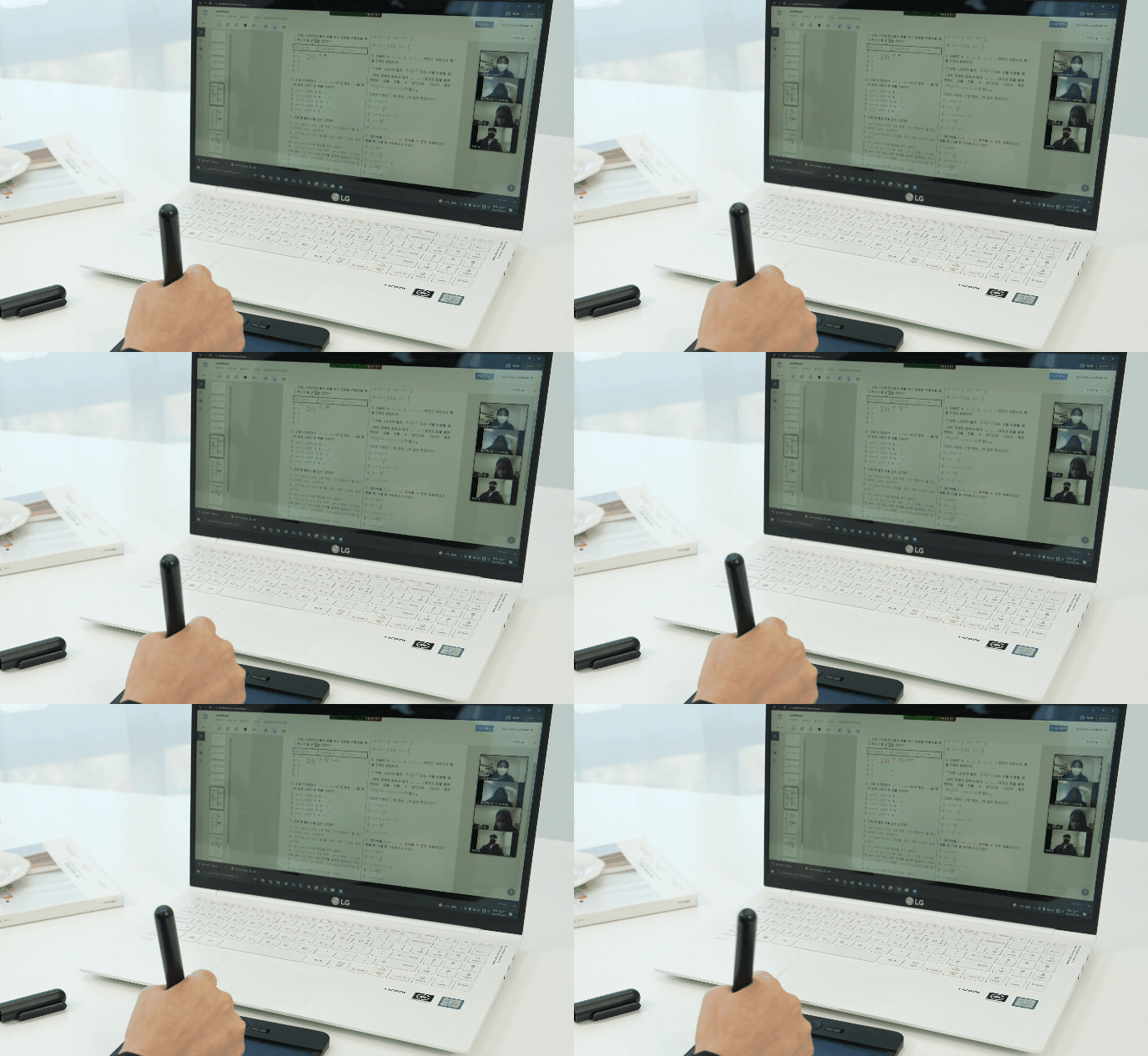
Pen Manager
EASY CONNECT — now on your PC.
Manage all your NeoLAB devices, including Neo Smartpens, with Pen Manager. Control connected devices in one unified place — and unlock the dedicated services that add even more value to what you write.
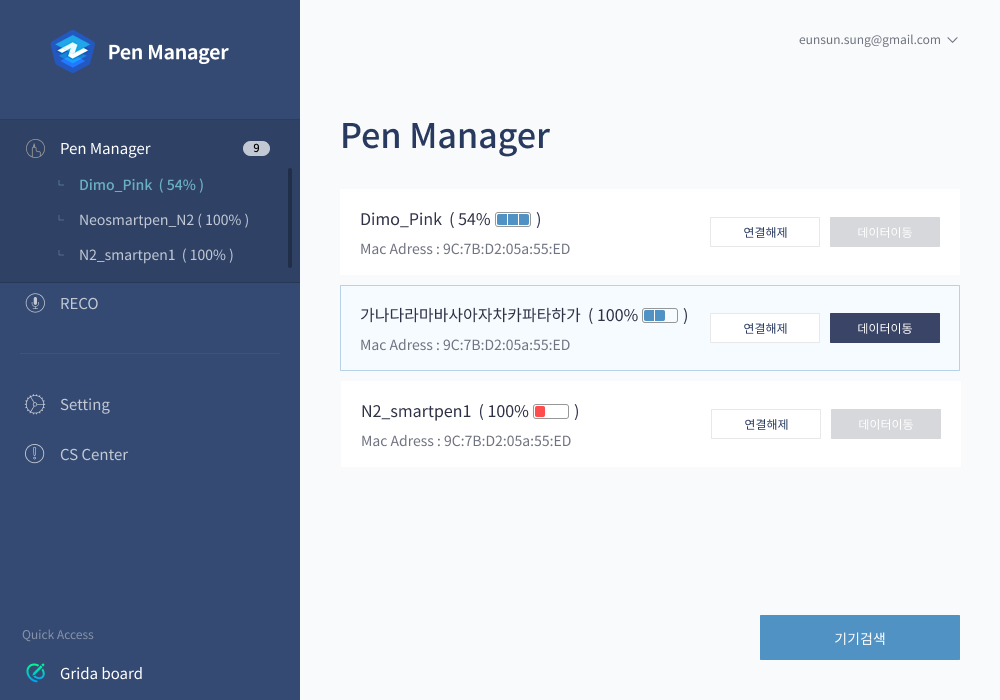

Pen Manager Help
- Supported products: LAMY Safari All Black, Neo Smartpen dimo, M1, M1+, N2 (some models not supported — NWP-F110), Line Friends Edition, Monami Edition
Key Features
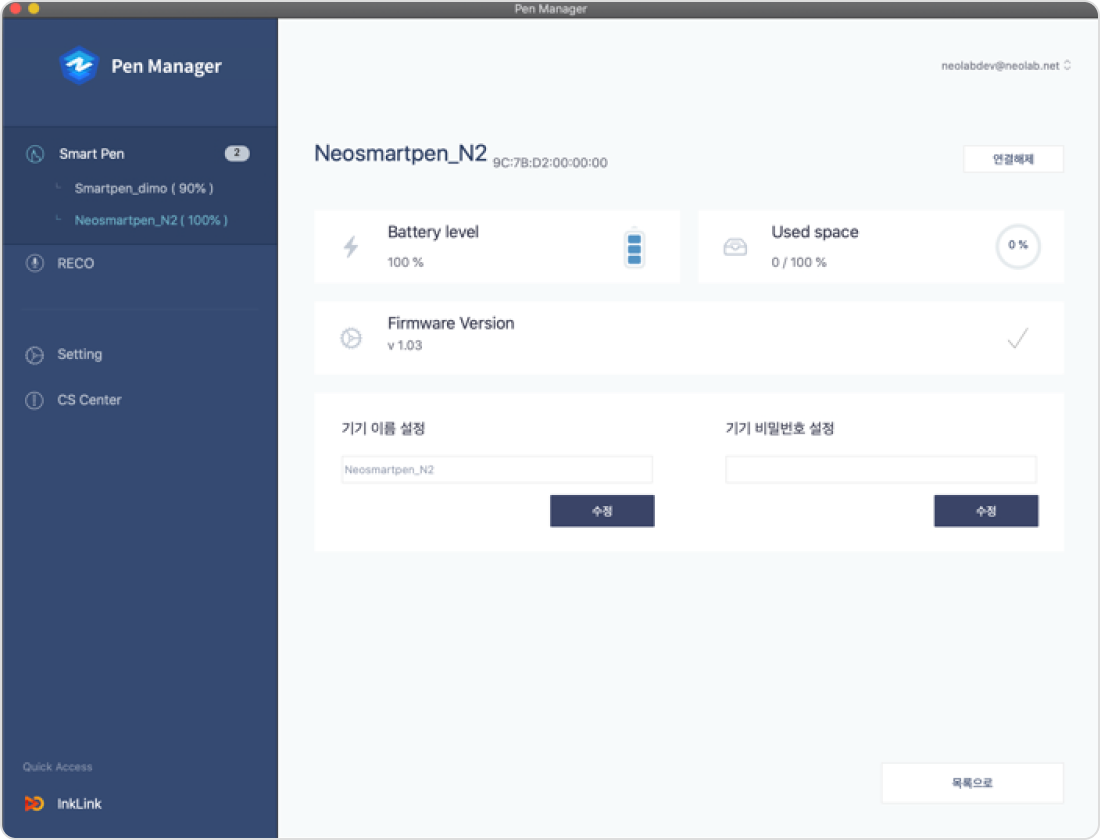
Smart Pen Management
Check and adjust the settings of any connected smart pen.
(Pen battery, available storage, firmware version, pen name and password setup)
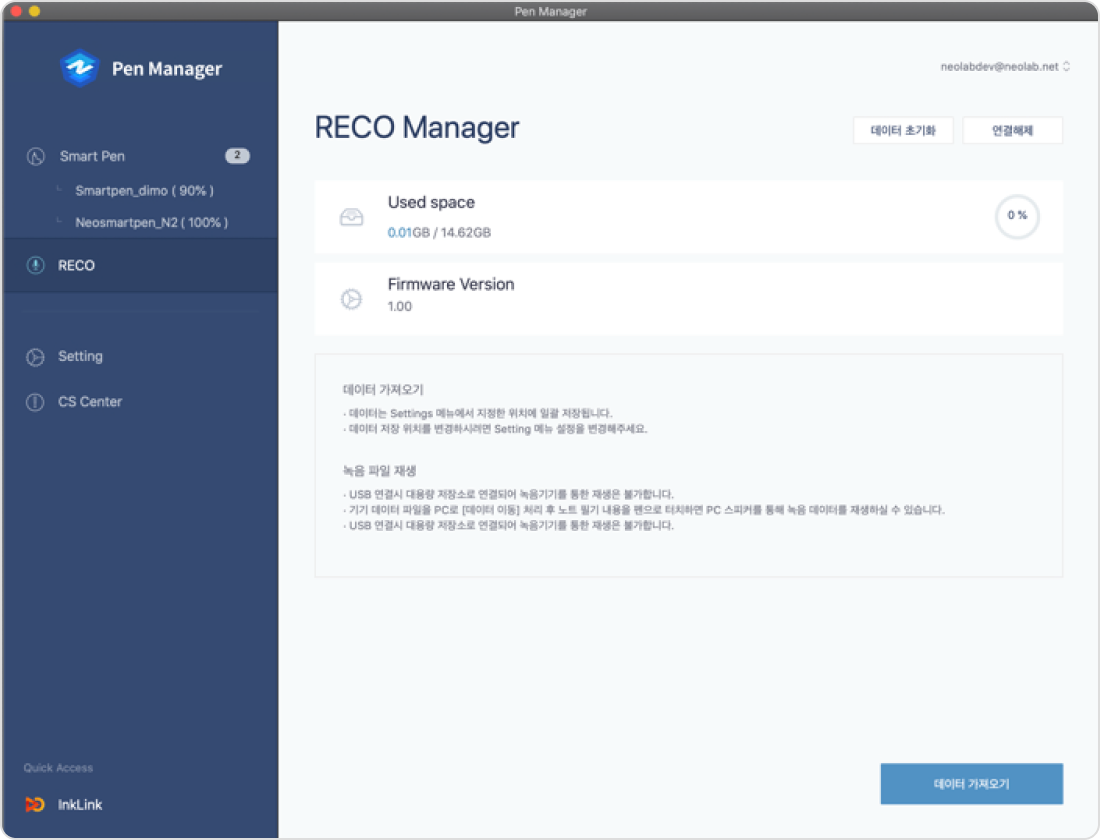
RECO Management & Data Transfer
Check and adjust the settings of any connected RECO, and move recorded audio and handwriting data to your PC.
(Battery, available storage, firmware version, audio playback, recording and handwriting data transfer, data reset)
Connected Services
Connect a smart pen to Pen Manager and tap into NeoLAB's services.
Through Pen Manager, you can use the services below directly on your PC.